
A macOS app

Meetings, transcribed properly. On your Mac. Nowhere else.

A native Mac app that records and transcribes your meetings on your Mac. Nothing leaves your device.

Native Mac app
Records both sides
Stays on your Mac
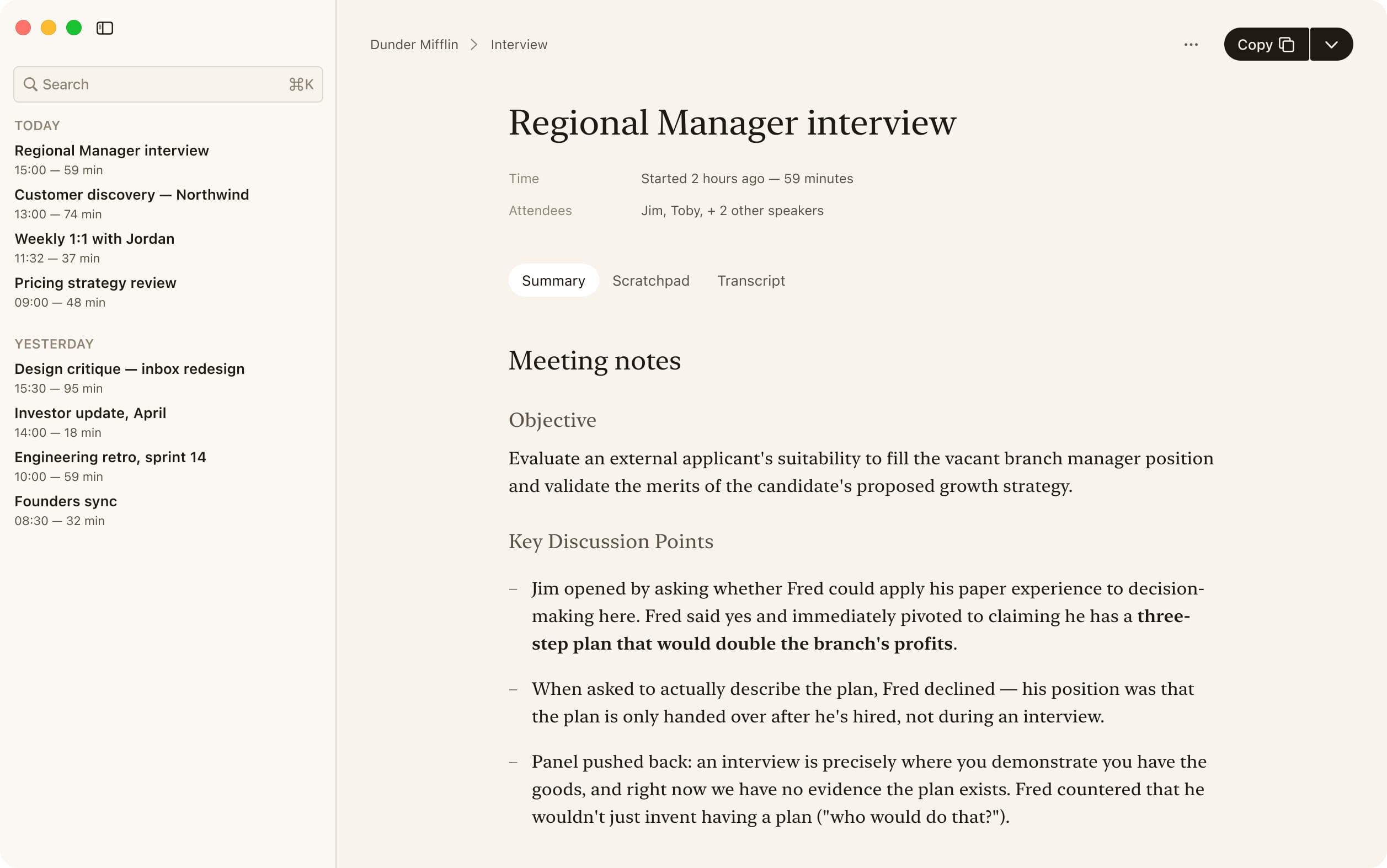
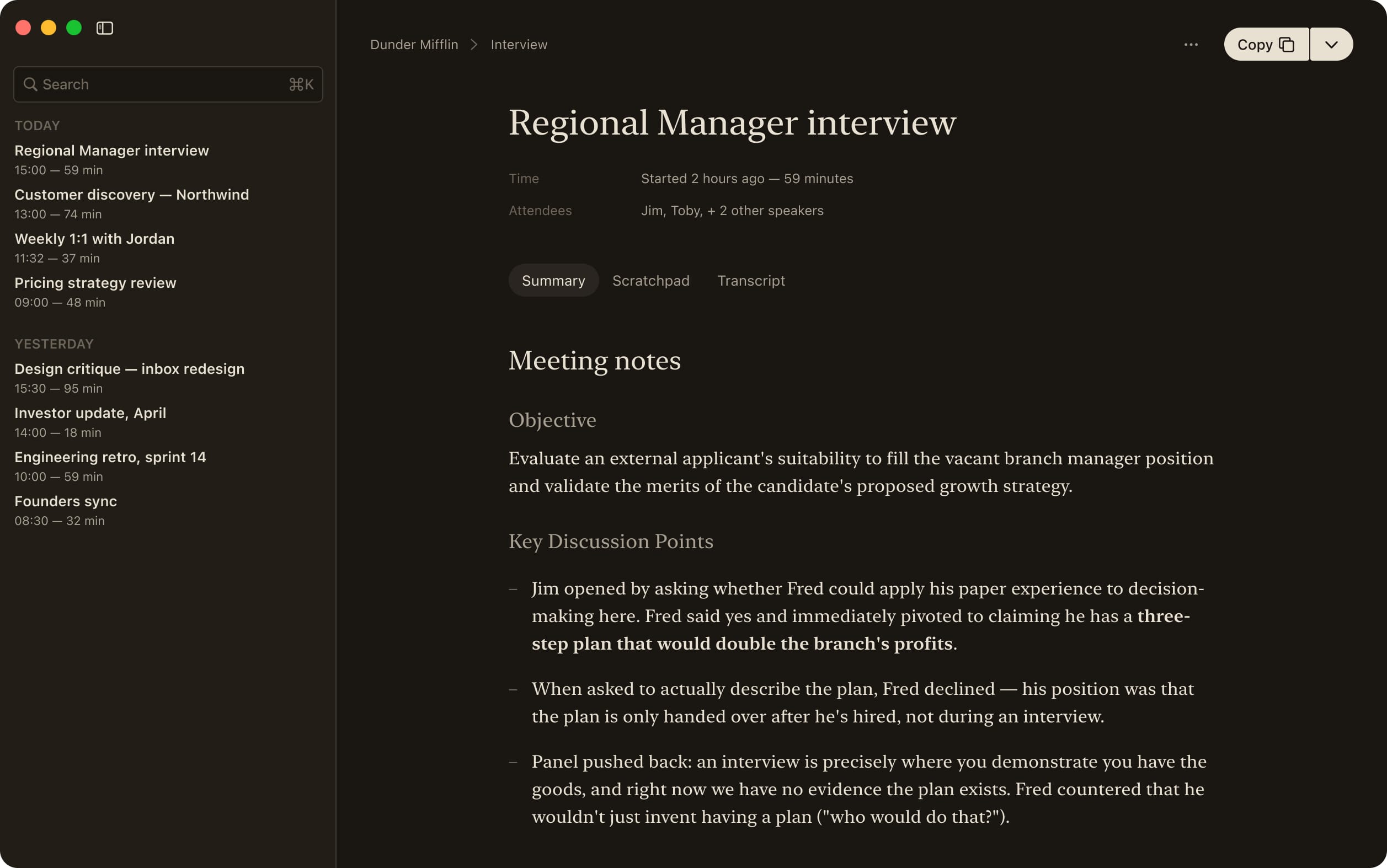
The Sofer summary view: meeting notes with linked source lines, alongside a Library of past meetings.

The reading room

Read it. Then check it.

When the recording stops, your meeting becomes a document — a typeset transcript, and a Summary where every line links back to its source in the recording. Click a line, hear the exact moment. The audio stays on your disk, so nothing has to be taken on faith.

Architecture sync

Time Started 3 days ago — 18 minutes

Attendees You, Remote

Local · Not uploaded

Meeting notes

Objective

Settle the speaker-identity model for and confirm the two-channel recording architecture.

Key discussion points
Action items

Click a line — hear the source.

What Sofer doesn't do

Restrained, on purpose.

The category is in a race to add sentiment scores, coaching, CRM sync, and “intelligence.” Sofer keeps to one tight job: a meeting you can trust and verify.

No cloud sync.

Sofer runs entirely on your Mac. If you have two Macs, copy the meeting folder yourself.

No summaries you take on faith.

Sofer summarizes — on your device — but every line links to the audio behind it. A claim it can't ground in the recording is a claim it doesn't make. No sentiment scores, no coaching, no “intelligence.”

No accounts. No sign-in. No telemetry.

There is nothing to log into and nothing to opt out of. Sofer doesn't know you exist.

No integrations.

Sofer doesn't post to Slack, sync to Notion, or push to a CRM. Export a transcript as Markdown or plain text and put it where it belongs.

How it works

Record, transcribe, read — and check.

  1. 01 · RECORD

    Click once, or press ⌘⇧R.

    Sofer lives in the menu bar. It captures your microphone and the system audio on two separate channels, so the people you're talking to are kept as carefully as you are.

  2. 02 · TRANSCRIBE

    Whisper runs locally on your Mac.

    When you stop, the model produces a transcript with timestamps, language detection, and per-speaker grouping. The model lives on your device after a one-time download. After that, nothing leaves.

  3. 03 · READ

    Open the meeting in the Library.

    Typeset in a reading serif, organized by speaker, sized for the eye — not the dashboard. Editable inline. Searchable. Kept where you can return to it, instead of scrolled past.

  4. 04 · CHECK

    Ask for a Summary. Hear the source.

    Every summary line links back to its span in the transcript and its moment in the audio — click it and listen. The recording stays on your disk, so the record stays checkable. Cloud tools delete the audio; Sofer keeps it, because it's yours.